Note: Drawboard PDF (Windows only)
Who can use Beta Features?
- You must be on the Pro Plan (Pro Lite/Pro Plus/Pro Unlimited)
- You must be on Windows. Beta features are not currently available on other platforms.
What are Beta Features?
Beta features are early-access tools that are still in active development. Keep in mind:
- They are in the first phase of development.
- You may encounter bugs or unexpected behavior.
- They are designed to gather feedback from real users to help us improve.
We appreciate your patience and input as we work to make these features the best they can be!
Currently Available Beta Features
| Feature |
Description |
| Edit Text Tool |
An early-access tool for editing text directly within the app. |
How do I turn on a Beta Feature?
To enable a beta feature:
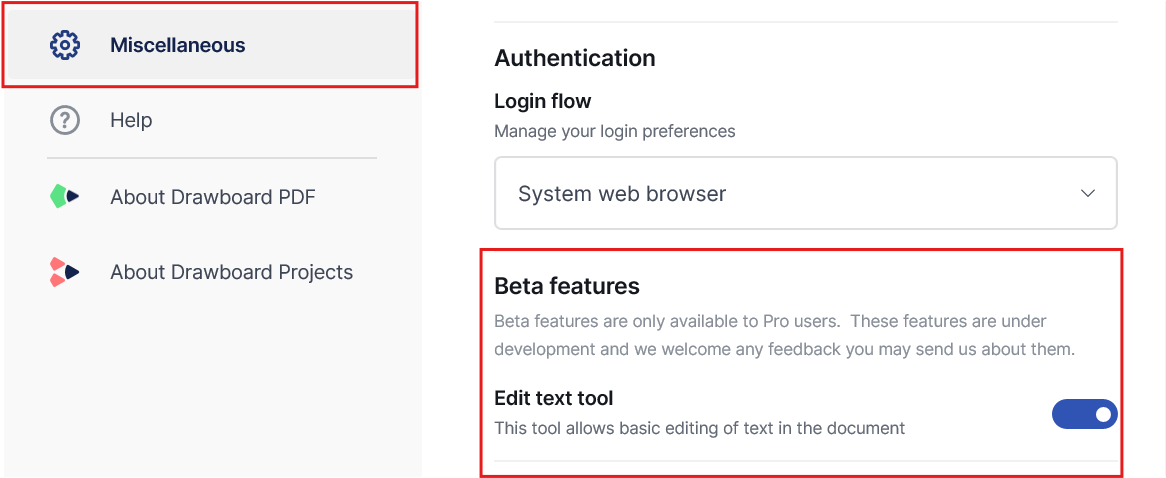
- Go to Settings → Miscellaneous.
- Find the Beta Features section.
- Toggle on Edit Text Tool.
How do I find the edit text tool?
- Open any document.
- If you are using the Favorite Toolbar, navigate to the Review category and select Edit Text.
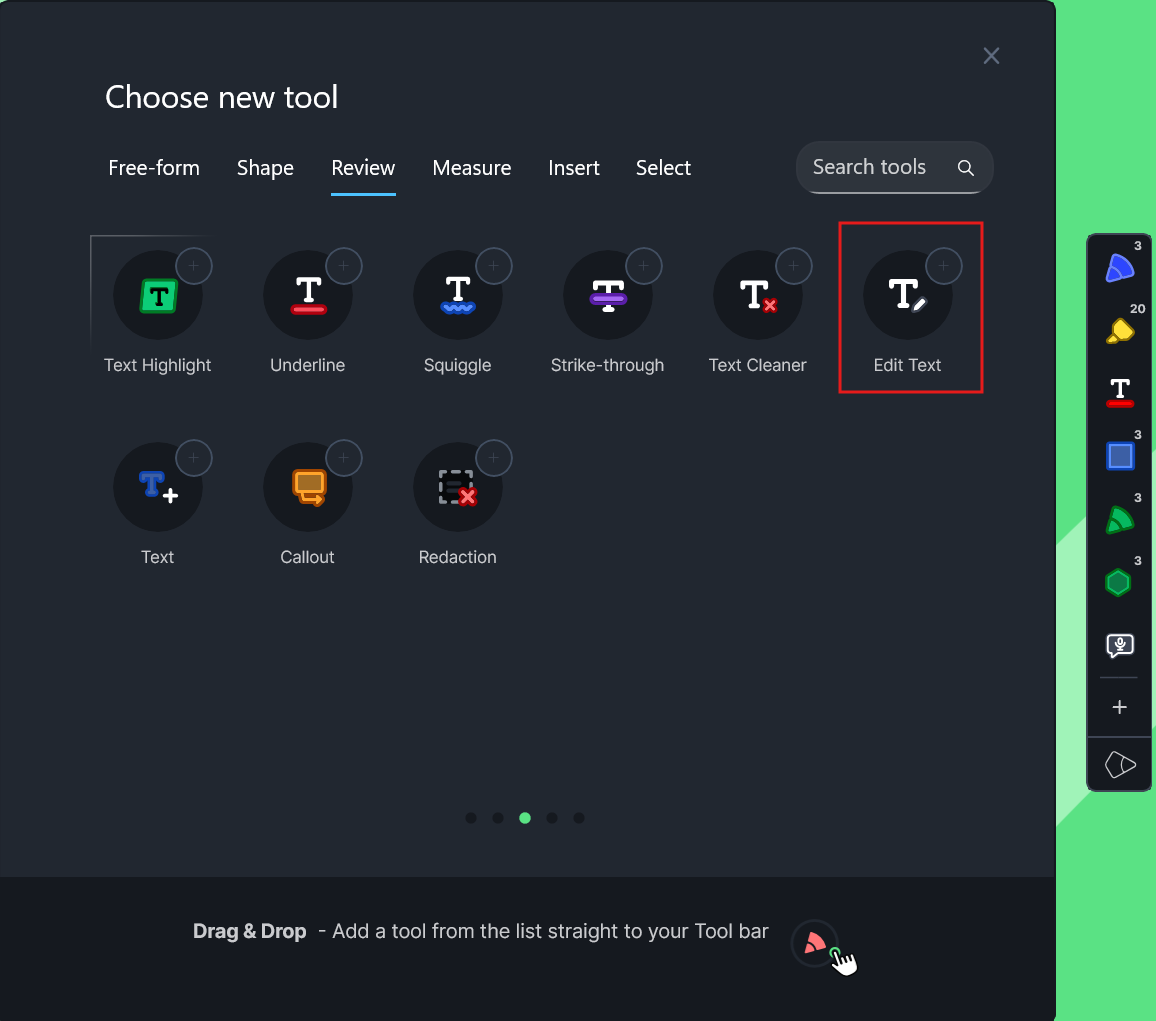
- If you are using the new Markup Toolbar, the Edit Text tool is also located under the Review category.

- Once you tap the Edit Text tool, Drawboard PDF will automatically detect the text in your document. You will see boxes appear around text regions, indicating that the text is editable.
Sharing Feedback
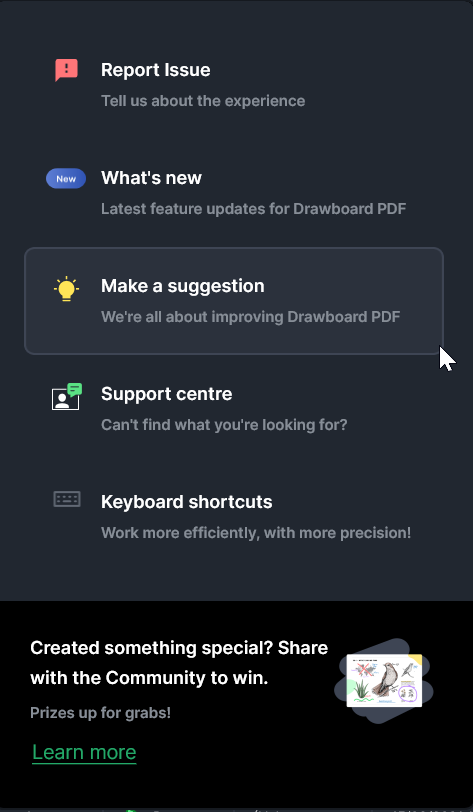
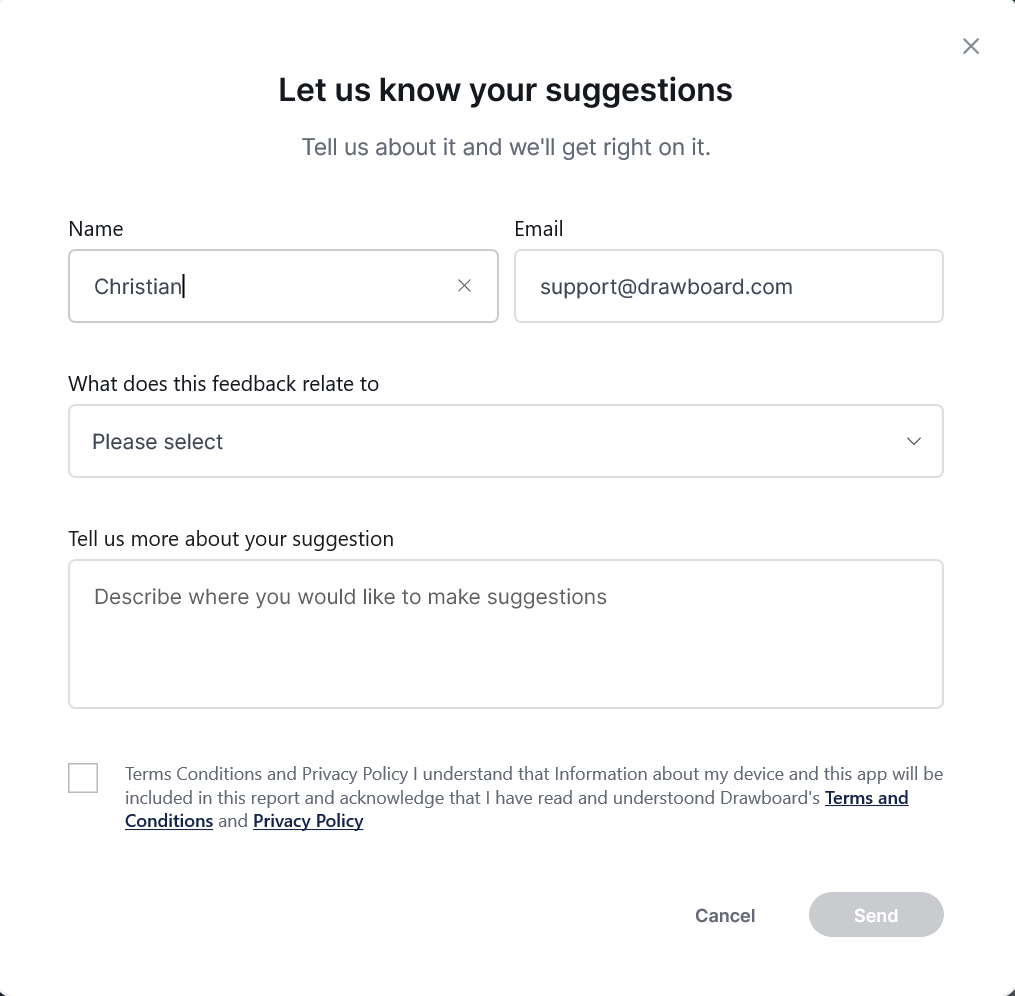
Since these are beta features, your feedback is invaluable. If you run into issues or have suggestions, please reach out to our support team or use the in-app feedback option. Every report helps us improve the experience for everyone.