Available on: Web app, Windows app, iOS app

Pen
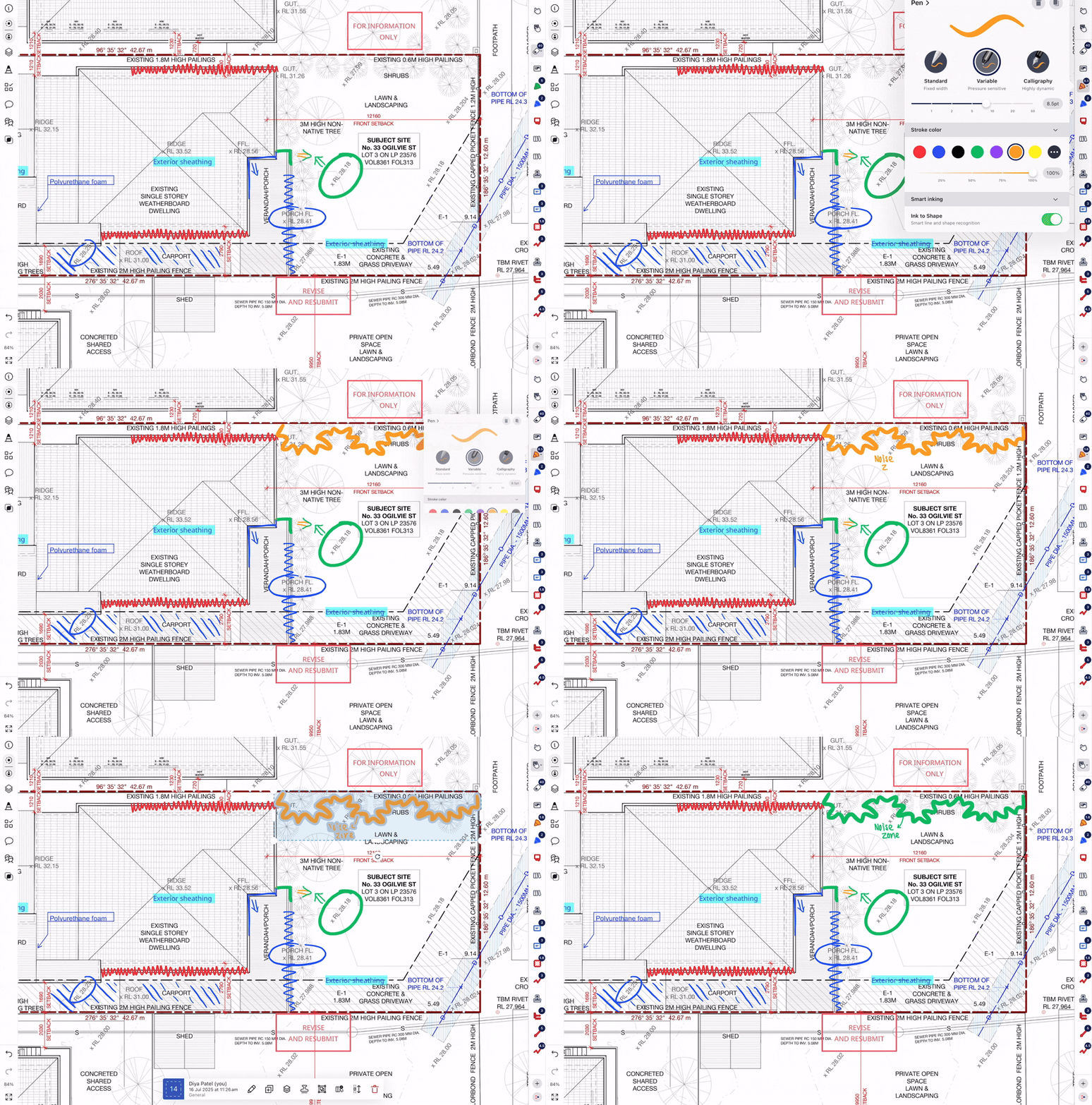
The Pen tool is a freehand and pressure sensitive inking tool, which can be used to quickly mark up an existing drawing or to creatively sketch new ideas and concepts.
Pen markup in Drawboard Projects can be performed using touch, mouse or stylus, but is at its best if you are using an active stylus such as the Surface Pen or Apple Pencil. When using a stylus you may wish to turn off Touch to Annotate in the Windows and iOS apps so that touch can be used to scroll. Pen markup is pressure sensitive when drawn with a stylus that supports this.
If you don't have a stylus or just wish to annotate with your finger, turn on Touch to Annotate.
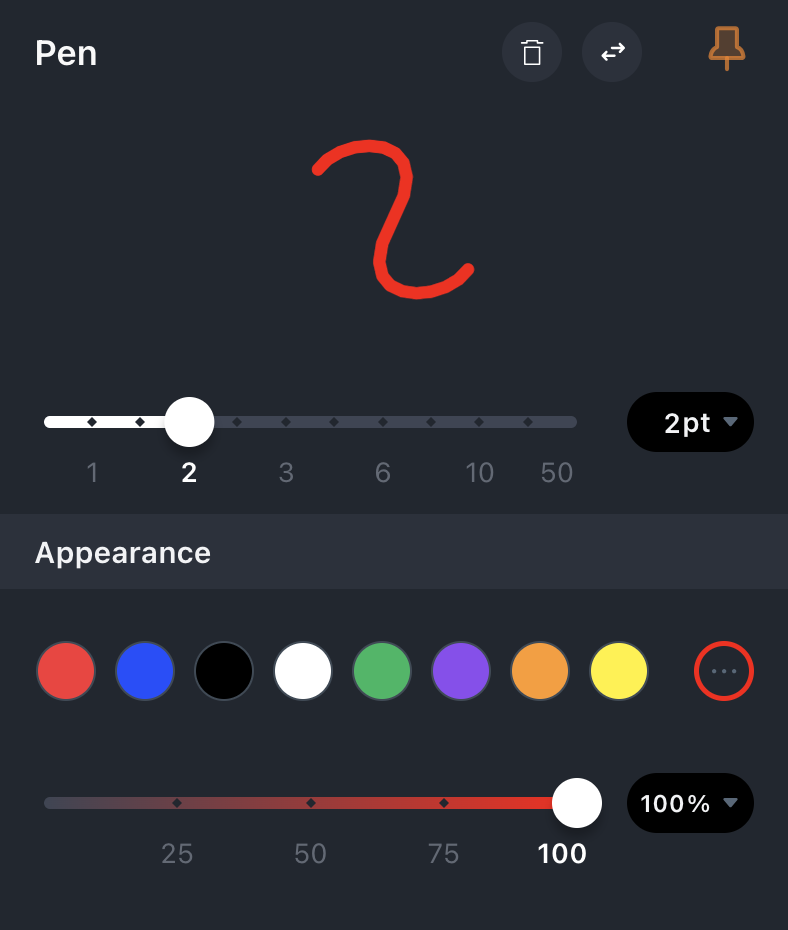
The color, opacity and width of the Pen can be changed, and multiple Pen tools with different colors and strokes can be added to the favorites bar so you have easy access to your favorite pens.
Eraser
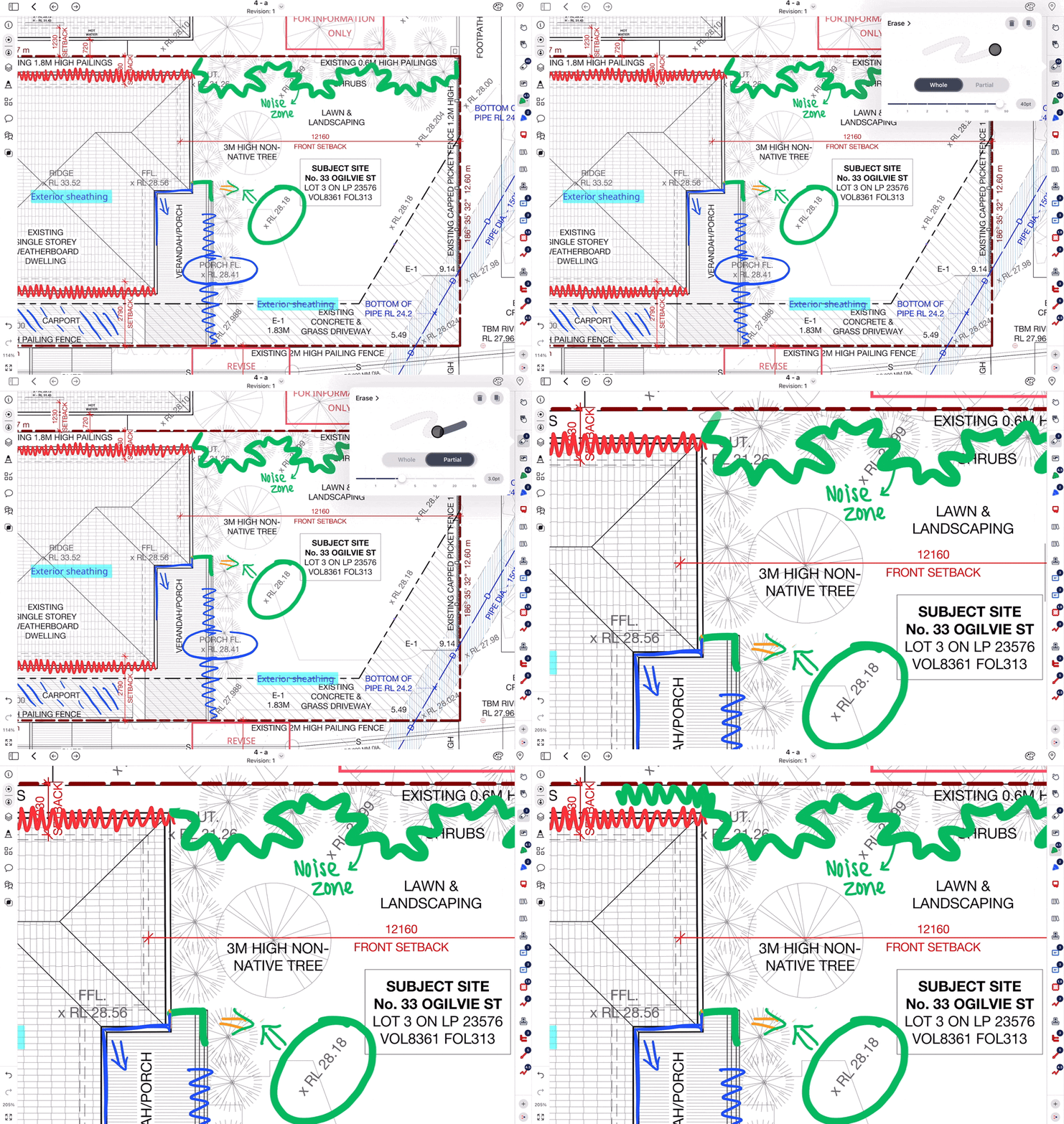
Use the Eraser tool to remove annotations from the canvas. Note that ink drawn with the Pen tool is erased a whole stroke at a time.